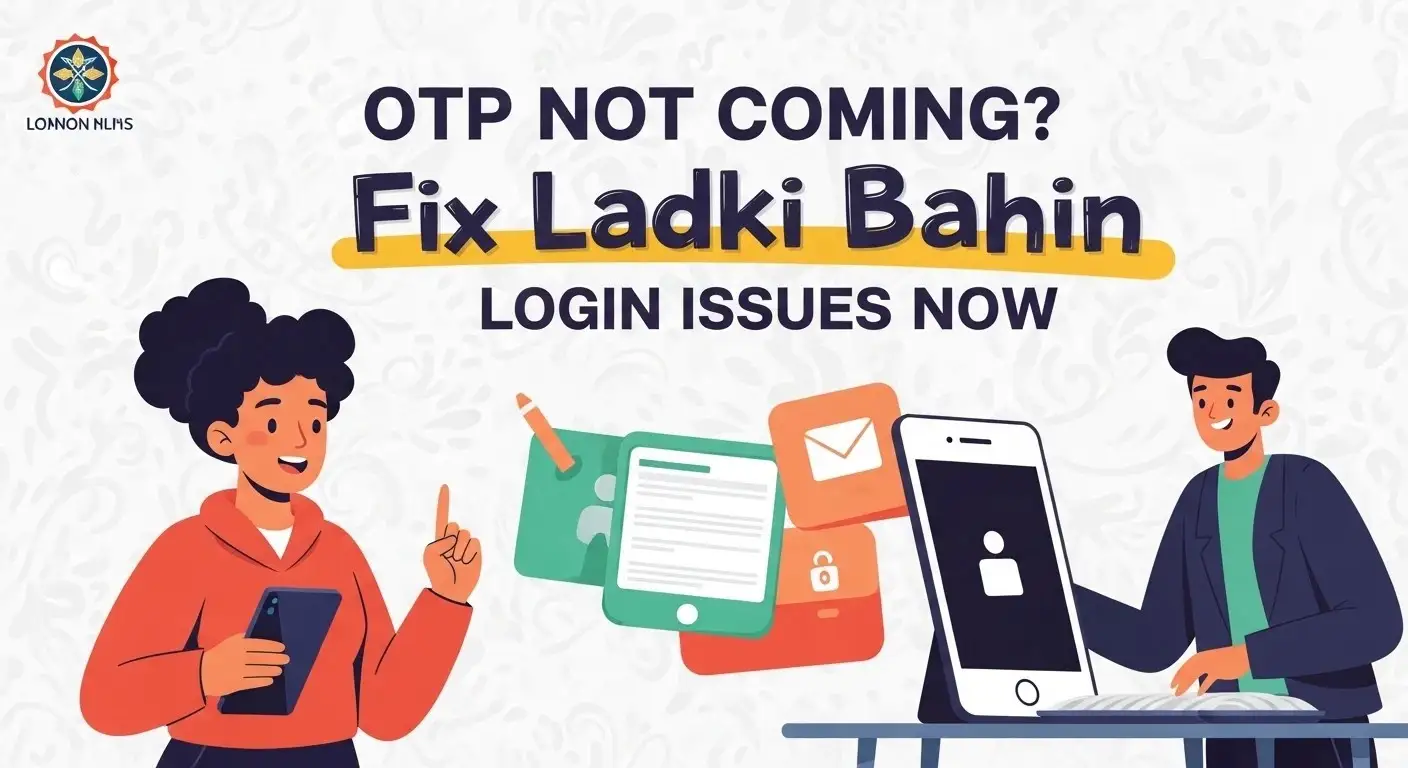
OTP Not Coming? Fix Ladki Bahin Login Issues Now
The Nari Shakti Portal (Majhi Ladki Bahin Yojana) remains a cornerstone of women’s empowerment in Maharashtra. However, technical friction—specifically the “OTP Not Received” error—has become a major hurdle for millions.
If you are staring at your phone waiting for a 6-digit code that never arrives, you aren’t just facing a “glitch.” You are likely caught in a server handshake delay or a device-level filter. This guide provides the definitive, technical, and official fixes to bypass these login failures today.
To solve the “OTP Not Coming” issue on the Ladki Bahin portal, first switch to Incognito Mode in your browser. Most failures are caused by corrupted cookies or session timeouts. If that fails, verify your DND (Do Not Disturb) settings; government SMS headers (like MH-GOVT) are often flagged as spam. For e-KYC-specific issues, ensure your mobile is linked to Aadhaar at a UIDAI center.
Why the Nari Shakti OTP Fails: The Reality
In 2026, the MahaIT servers handle millions of concurrent requests. When you click “Send OTP,” a request travels from the portal to an SMS gateway, then to your telecom operator (Jio/Airtel/VI), and finally to your handset.
Common points of failure include:
- Gateway Congestion: High traffic between 11:00 AM and 4:00 PM creates a backlog in the SMS queue.
- Header Blocking: Modern AI spam filters on smartphones often block “AX-” or “MH-” sender IDs, thinking they are promotional.
- Aadhaar-Mobile Mismatch: If you’ve recently changed your SIM, the UIDAI database may still be attempting to send the e-KYC OTP to your old number.
Professional Troubleshooting: Step-by-Step
Don’t just keep clicking “Resend OTP.” This can get your IP address temporarily blacklisted as a “bot.” Follow this sequence instead:
The “Airplane Mode” Refresh
This is the simplest yet most effective trick. By toggling Airplane Mode on for 15 seconds, you force your phone to reconnect to the nearest mobile switching center (MSC). This often “pushes” through stuck messages sitting in the carrier’s queue.
Use the “Incognito” Method
The Nari Shakti app and website often store “dead” session data.
- Open Chrome on your phone.
- Tap the three dots > New Incognito Tab.
- Access
ladakibahin.maharashtra.gov.indirectly. - This bypasses the old cache and forces the server to create a fresh session for your OTP.
Check “Spam & Blocked” Folders
Google Messages now has an aggressive “Spam Protection” feature.
- Open your Messages app > Tap your Profile Icon > Spam & Blocked.
- Look for messages from “MH-GOVT” or “MAHAGV.” If found, mark them as “Not Spam” to ensure future OTPs arrive instantly.
The “Aadhaar e-KYC” Deadlock
The most frustrating issue is receiving the login OTP but failing to get the e-KYC OTP.
The Solution: The Maharashtra government has recognized these technical failures. Minister Aditi Tatkare recently announced that if your online e-KYC fails due to OTP issues, you can now opt for physical verification.
- Visit an Anganwadi worker: They are now authorized to conduct doorstep verification.
- Setu Suvidha Kendra: You can visit a local CSC/Setu center to complete your e-KYC using biometric (fingerprint) authentication. This completely bypasses the need for a mobile OTP.
The “Golden Window”: Best Times to Log In
Data from the portal’s performance suggests that success rates are significantly higher during “non-peak” hours. If you are facing persistent “Server Busy” errors, try during these windows:
- Best Time: 10:00 PM to 7:00 AM (95% Success Rate)
- Avoid: 11:00 AM to 5:00 PM (Highest failure rate)
Official Helpdesk & Grievance Path
If you have verified that your mobile number is linked to Aadhaar and you still have no luck, use the official 2026 support channels:
- Toll-Free Helpline: Dial 181 (Dedicated Women’s Helpline).
- Alternate Support: 1800 120 8040.
- Grievance Tab: Log in via a desktop (if possible) and use the “तक्रार” (Grievance) section to report a “Technical Error in OTP.”
Expert Tip:
Ensure your mobile plan has an active SMS incoming facility. Many users forget that in 2026, Indian telecom providers will stop incoming SMS if the minimum monthly recharge has expired.
FAQ
I get the “OTP Sent” message but no SMS. Why?
This usually means the portal’s server has sent the code, but your telecom operator is delaying it. Try the “Airplane Mode” reset or wait 5 minutes before trying again.
Is the e-KYC deadline extended?
Yes, the government has provided extensions through early 2026 to ensure no eligible woman is left behind due to technical errors. Check the official portal for the latest “Correction Window” dates.
Can I change my registered mobile number?
You can update your mobile number through the “Edit Profile” section, but it must match the number registered in your Aadhaar database for the e-KYC to succeed.