Fix Ladki Bahin e-KYC: “Sarkari Naukri” Form Error
Mukhyamantri Majhi Ladki Bahin Yojana has become a financial pillar for women across Maharashtra. However, a technical hurdle has surfaced that is preventing thousands of deserving beneficiaries from receiving their ₹1,500 monthly installment: the “Sarkari Naukri” (Government Job) e-KYC error.
If your application status shows “Rejected” or “Pending” due to a family member supposedly having a government job, don’t panic. This is often a Marathi form glitch rather than a true reflection of your eligibility. Below is a comprehensive, verified guide to fixing this error and securing your payments before the March 31, 2026, deadline.
What is the “Sarkari Naukri” e-KYC error?
The “Sarkari Naukri” error is a classic case of a translation logic mismatch in the portal’s interface.
The Marathi question reads, “Tumchya gharatle koni sarkari nokrit nahi na?” (Nobody in your family works for the government, right?).
- The Logic Error: When you answer “Ho” (Yes)—meaning “Yes, you are right, nobody works there”—the system’s backend interprets the “Yes” as a confirmation that someone does hold a government post.
- The Result: The system automatically flags you as ineligible, stopping your DBT (Direct Benefit Transfer) payments immediately.
Step-by-Step: How to Fix the Marathi Form Glitch
To resolve this, you need to “reset” the system’s logic. Follow these exact steps to ensure your resubmission is successful.
The “English Toggle” Workaround
The most reliable way to bypass the Marathi translation error is to use the English version of the site, where the logic is simple: $True/False$.
- Action: Visit the official portal or open the Nari Shakti Doot App (v3.1).
- Switch Language: Select English from the top menu before you click “Edit.”
- The Correction: Navigate to the eligibility section. Look for the question: “Are you or any family member a permanent employee in a government department?”
- Selection: Select “No.” In the English interface, this clears the flag and updates your status to “Eligible.”
Update via the “Applied Applications” section.
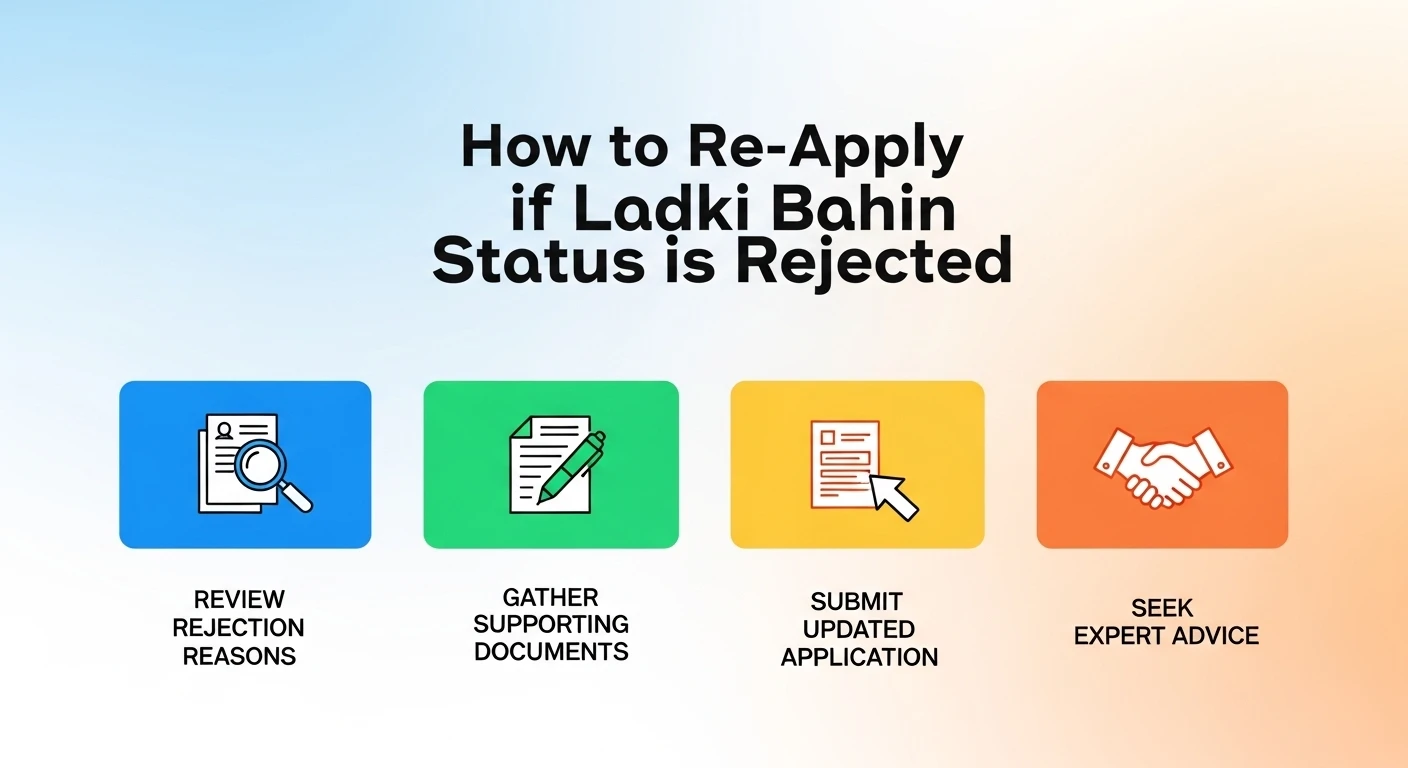
If your form was already rejected, do not start a new registration.
- Go to ‘Applications Made Earlier.’
- Click the Edit/Update icon next to your rejected application.
- Correct the employment status as described above and re-upload your income certificate (ensuring it is under ₹2.5 lakh).
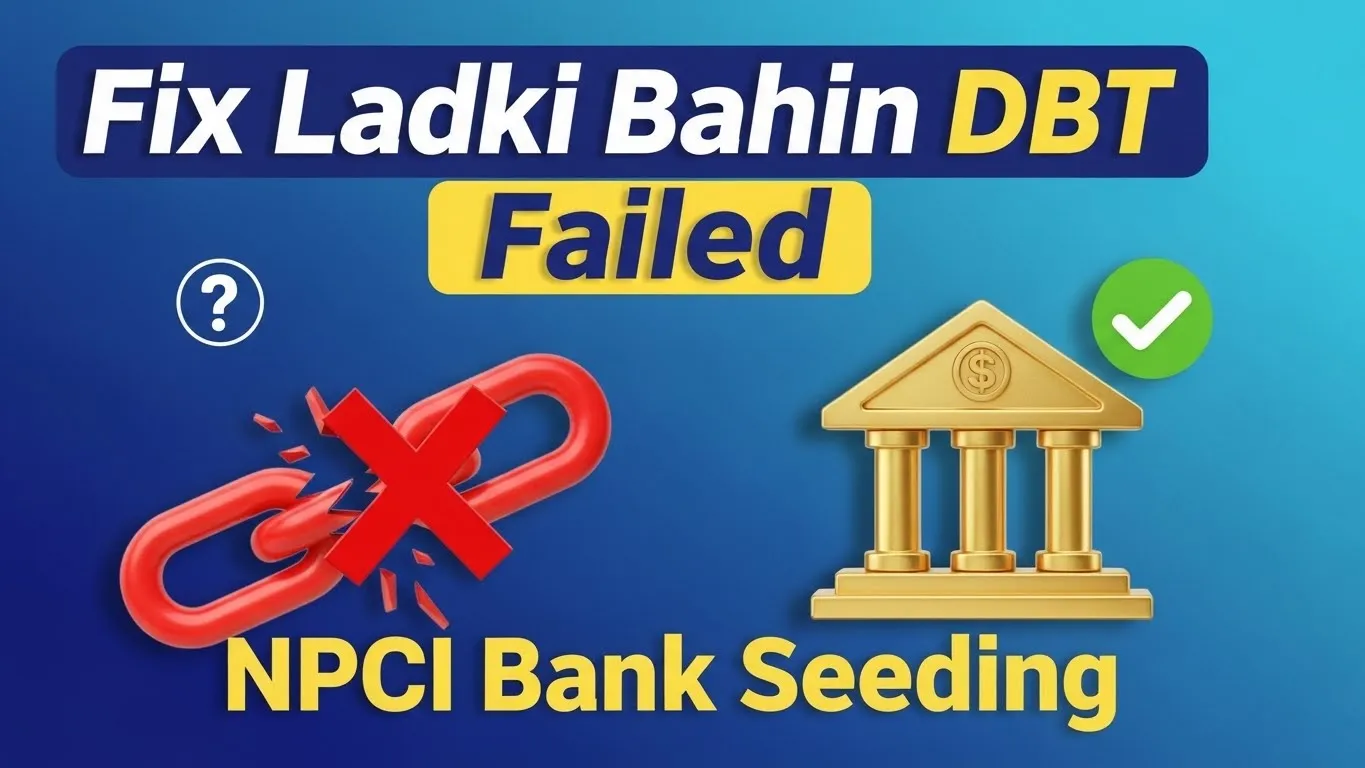
Verify Bank Seeding (NPCI Mapping)
Even if you fix the form error, your money will stay blocked if your bank isn’t “seeded.”
- How to check: Dial *99*99*1# from your registered mobile to check your Aadhaar-Bank linking status.
- The 2026 Rule: If your status is “Inactive,” you must visit your bank and submit a fresh NPCI Mapping Form.
Important: The Physical Verification Mandate
Minister Aditi Tatkare recently confirmed that over 24 lakh women were affected by this specific glitch. Because of the scale of the error, the government has deployed one lakh Anganwadi workers to conduct physical verifications.
- If you cannot fix the error online: Do not worry. An Anganwadi worker will visit your locality with a handheld device to manually verify your status.
- Documents to keep ready: your original Aadhaar card, your yellow/orange ration card, and your signed Hamipatra (self-declaration).
Common e-KYC Problems
| Error Message | Likely Cause | Verified Solution |
| “Aadhaar No. Not in List.” | Database Sync Issue | Try logging in after 10 PM when traffic is low. |
| “Invalid OTP” | Network Latency | Use the Nari Shakti Doot app instead of the web browser. |
| “Service Unavailable” | Server Maintenance | Check your internet; this is usually a temporary site crash. |
Frequently Asked Questions
Will I get the previous months’ missed payments?
Yes. Once you correct the e-KYC error and it is approved, the government will release a lump-sum payment (arrears) covering all missed months (January to March 2026).
I am a contract worker; am I eligible?
Yes. Contractual and outsourced employees with an annual family income below ₹2.5 lakh are eligible, provided they are not permanent government staff.
What is the last date to fix this?
The Maharashtra government has extended the correction window until March 31, 2026.
Final Advice: Don’t Wait for the Deadline
The server traffic on the Ladki Bahin portal increases significantly as the deadline approaches. If you are seeing the “Sarkari Naukri” error, use the English toggle workaround today. If you are still stuck, visit your local Maha-e-Seva (CSC) Center—they have a dedicated dashboard to override these translation glitches.